I wanted this blog to be simple, low-cost, and fully under my control.
The goal was not just to publish a few pages. I wanted to build the infrastructure step by step, understand each AWS service involved, and keep the setup repeatable with Terraform.
Architecture
The blog is a static website generated with Hugo and hosted on AWS.
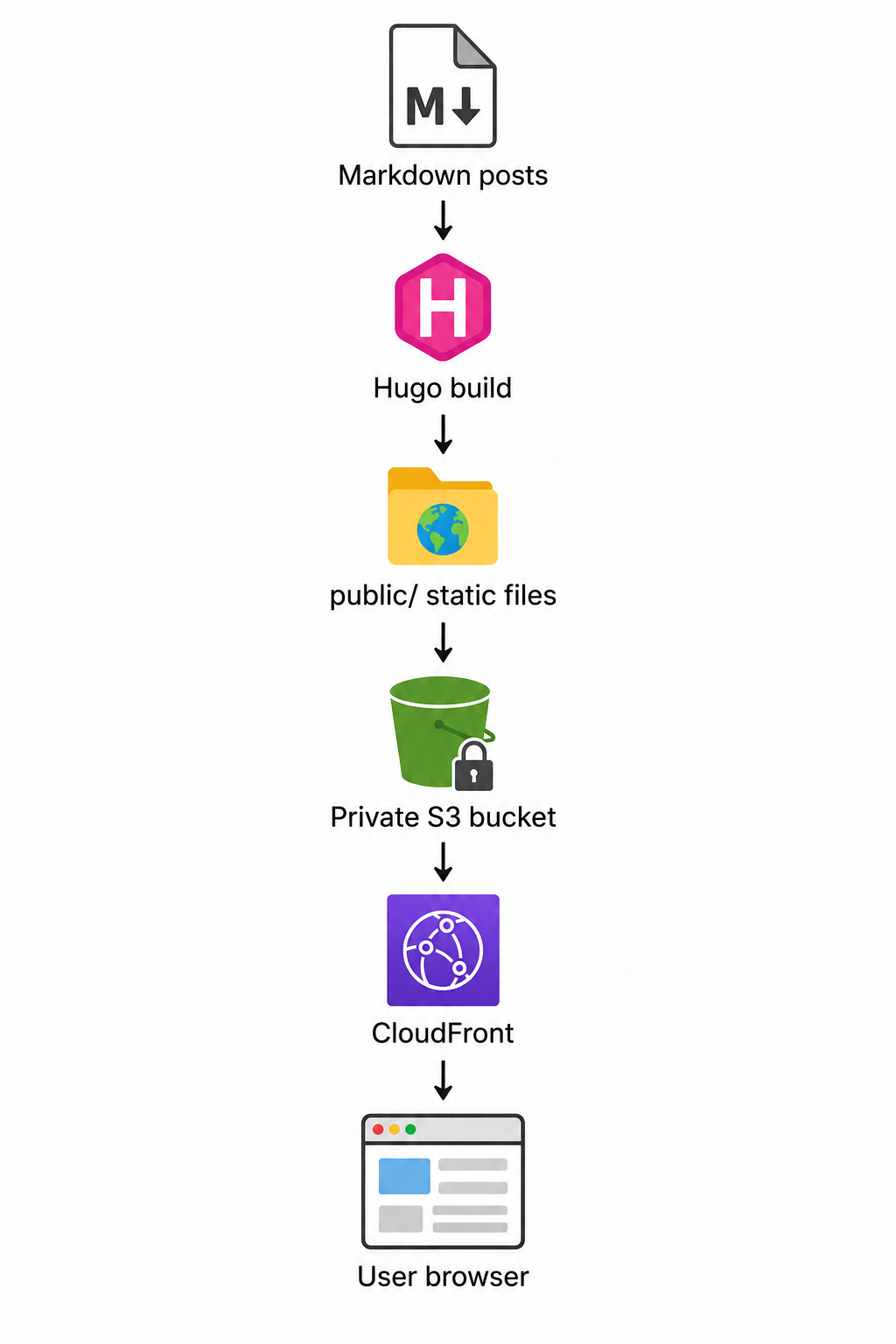
Hugo converts Markdown content into static HTML, CSS, XML, and other assets. Those generated files are uploaded to S3. CloudFront sits in front of S3 and serves the site publicly over HTTPS. Route 53 points my custom domain to CloudFront, and ACM provides the TLS certificate.
Why A Static Blog
A static blog is a good fit for technical writing because there is no application server to run.
For this use case, I do not need a database, login system, backend API, or container platform. The blog is mostly text, code snippets, and images. Static files are enough.
This keeps the architecture small:
- fewer moving parts
- lower cost
- easier deployment
- better performance
- smaller security surface
Hugo
I chose Hugo because it lets me write posts in Markdown and generate a complete static site.
The source files live in the blog folder. Posts go under:
blog/content/posts/
The production build command is:
hugo --environment production
That creates the generated site in:
blog/public/
Only the public/ folder is deployed to S3. The Hugo source files, layouts, and local build files are not uploaded.
S3
S3 stores the generated static files for the blog.
The bucket is private. Users do not access S3 directly. This is intentional because CloudFront should be the public entry point.
The Terraform configuration creates the bucket with a few important settings:
- public access blocked
- ACLs disabled with bucket-owner-enforced ownership
- versioning enabled
- default server-side encryption enabled
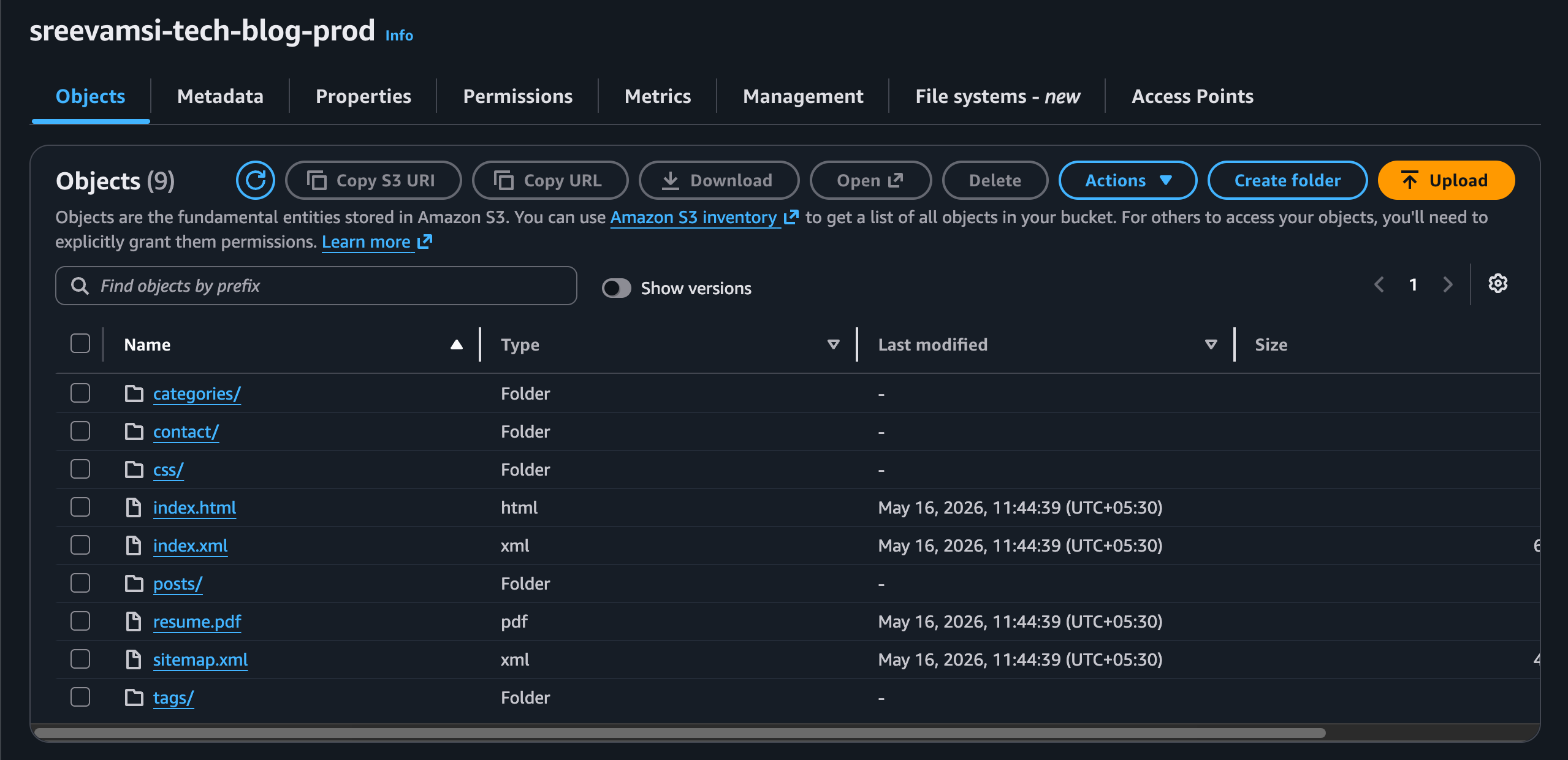
Public access is blocked because direct public S3 hosting is not the target architecture. I want this flow instead:
Users -> CloudFront -> private S3 bucket
Versioning is enabled so older object versions can be recovered if a bad deploy overwrites something important.
CloudFront
CloudFront is the public CDN layer for the blog.
It gives the site:
- HTTPS
- global caching
- a public domain name
- better performance
- a clean security boundary in front of S3
The first CloudFront URL looked like this:
https://dxxxxxxxxxxxxx.cloudfront.net
That was useful for testing, but I later attached the custom domain:
https://sreevamsi.dev
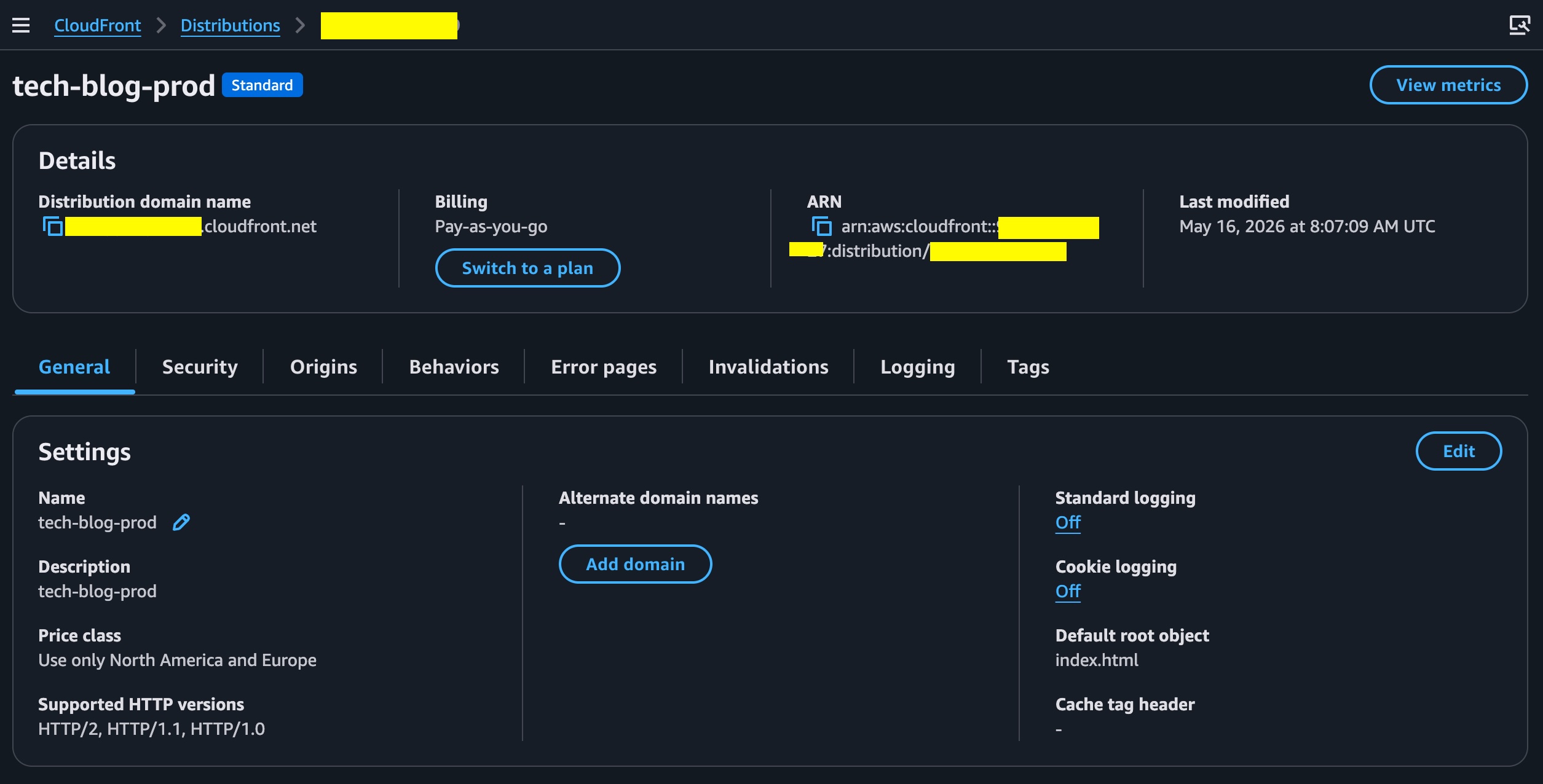
For this blog, CloudFront uses the private S3 bucket as its origin.
The distribution is configured with:
- default root object:
index.html - HTTPS redirect
- GET and HEAD methods only
- compression enabled
PriceClass_100for a budget-friendly start- AWS managed caching policy
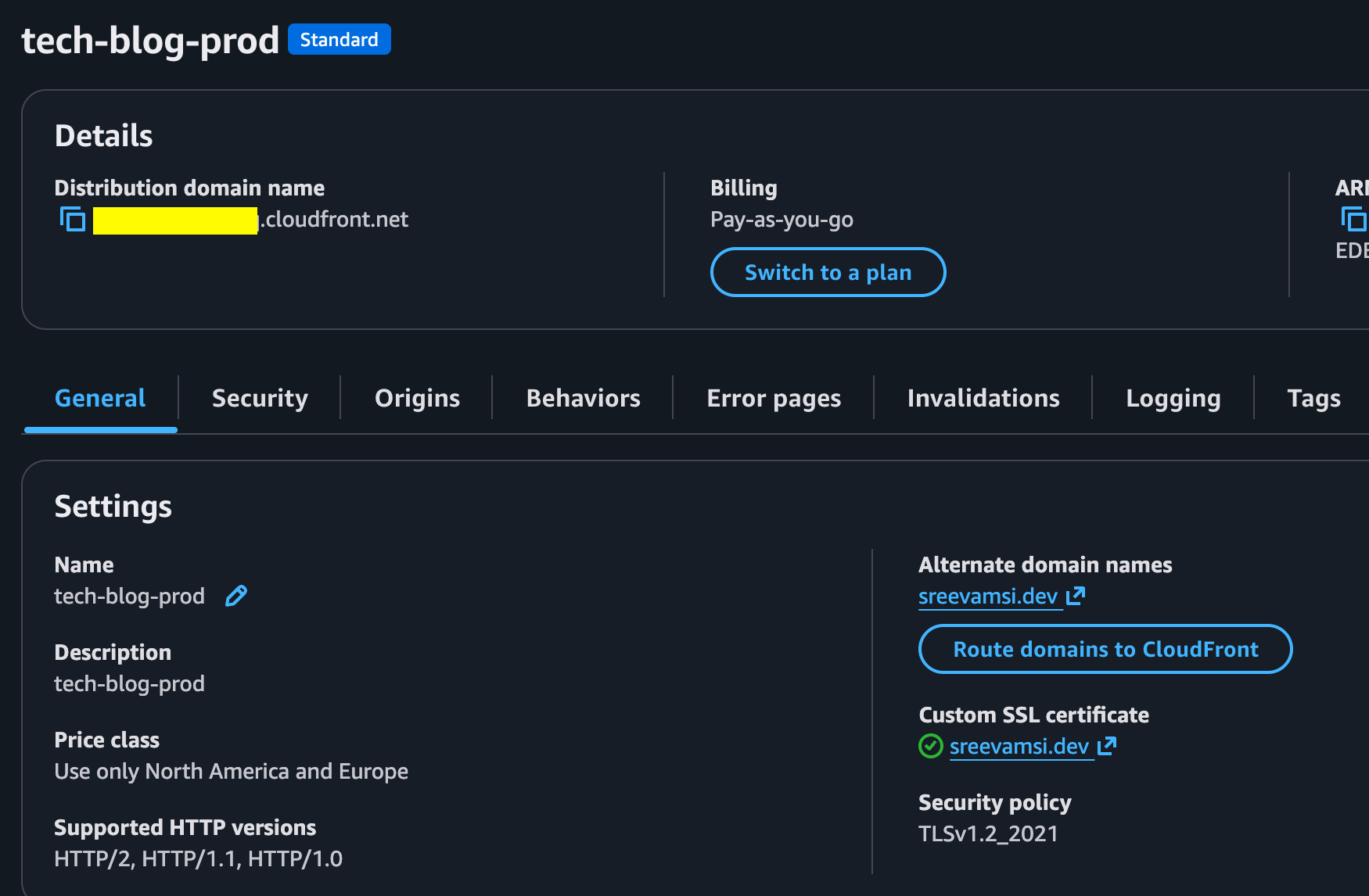
- custom domain alias:
sreevamsi.dev - ACM certificate for HTTPS
Route 53
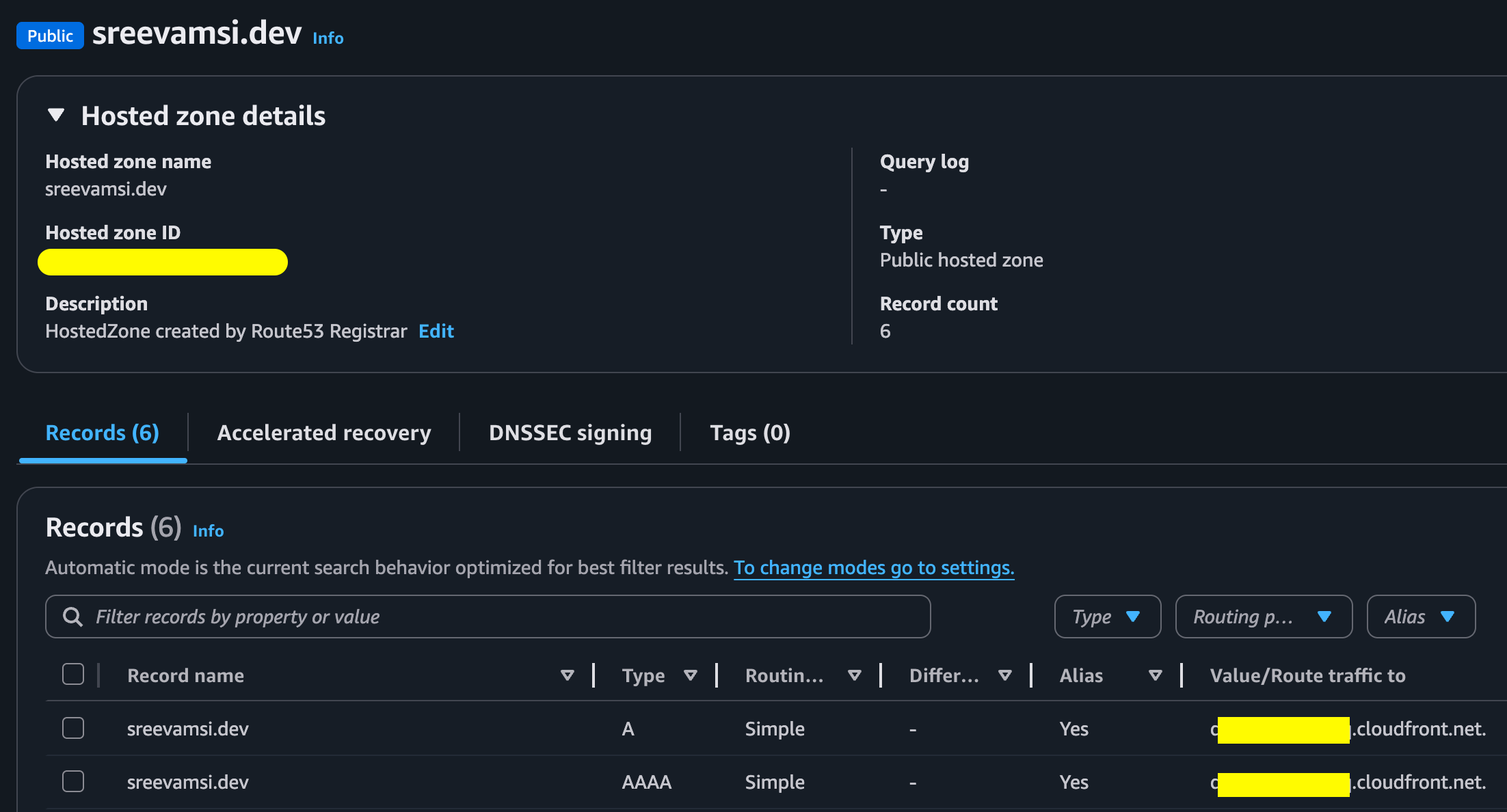
I registered the domain through AWS and used the public Route 53 hosted zone for DNS.
The hosted zone contains alias records that point the apex domain to CloudFront:
sreevamsi.dev A     -> CloudFront distribution
sreevamsi.dev AAAA  -> CloudFront distribution
These are Route 53 alias records, not normal CNAME records. That matters because the root domain, also called the zone apex, cannot use a normal CNAME record.
With an alias record, Route 53 can point sreevamsi.dev directly to the CloudFront distribution.
ACM Certificate
To use HTTPS with the custom domain, CloudFront needs a valid TLS certificate.
I created a public ACM certificate for:
sreevamsi.dev
One important CloudFront rule is that ACM certificates for CloudFront must be created in:
us-east-1
Because of that, the Terraform configuration uses a second AWS provider alias for us-east-1.
The certificate uses DNS validation. ACM generates a CNAME validation record, and Terraform creates that record in Route 53. After ACM validates the record, the certificate becomes ISSUED, and CloudFront can use it.

The flow looks like this:
ACM certificate request
    |
    v
DNS validation CNAME in Route 53
    |
    v
ACM certificate issued
    |
    v
CloudFront uses the certificate for sreevamsi.dev
In CloudFront, this replaces the default CloudFront certificate with the ACM certificate:
sreevamsi.dev -> CloudFront -> private S3 bucket
Origin Access Control
Since the S3 bucket is private, CloudFront needs permission to read objects from it.
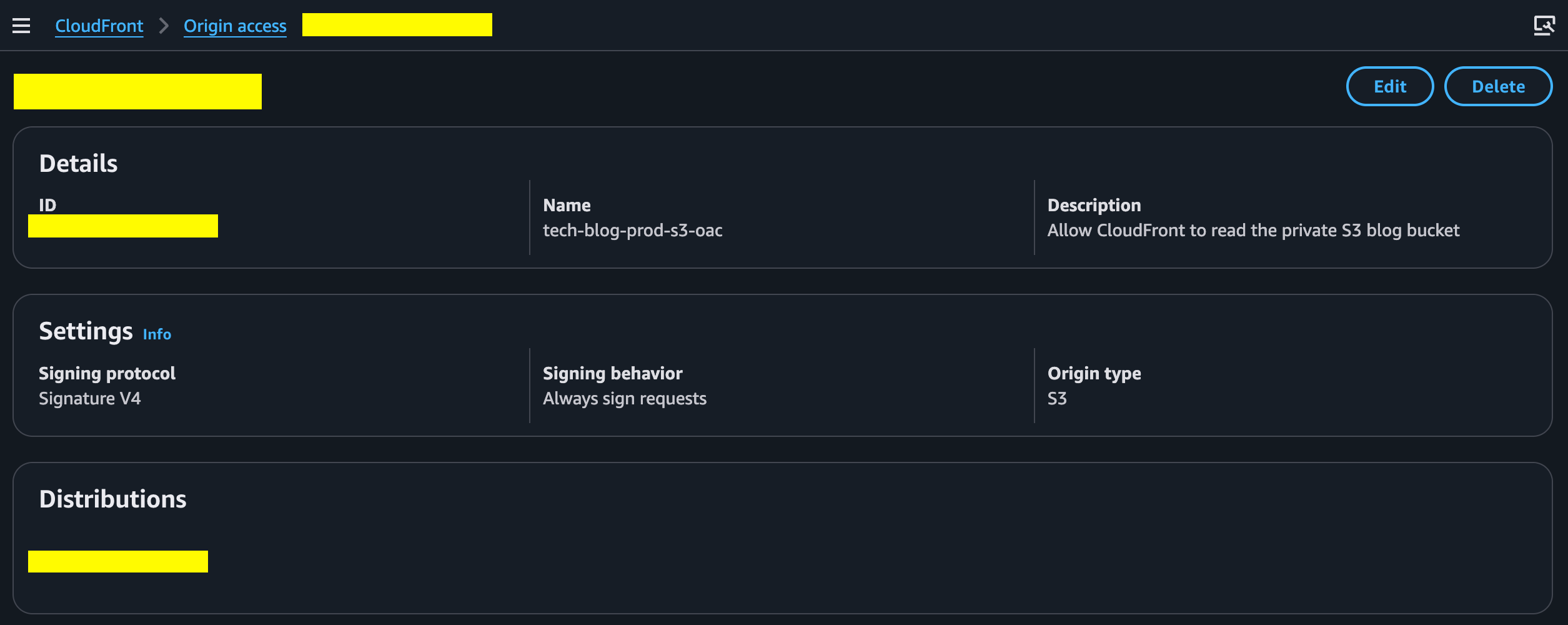
That is handled using CloudFront Origin Access Control.
CloudFront signs requests to S3, and the S3 bucket policy allows reads only from this specific CloudFront distribution.
The bucket policy is scoped with the CloudFront distribution ARN:
Allow cloudfront.amazonaws.com
to read objects from the bucket
only when AWS:SourceArn matches this distribution
That means another CloudFront distribution cannot read from the bucket.
Clean URLs With Hugo
Hugo creates pages like this:
contact/index.html
posts/index.html
But when a browser requests:
/contact/
/posts/
CloudFront originally asked S3 for:
contact/
posts/
With a private S3 REST origin, S3 does not automatically resolve those paths to index.html. That caused 403 Forbidden responses.
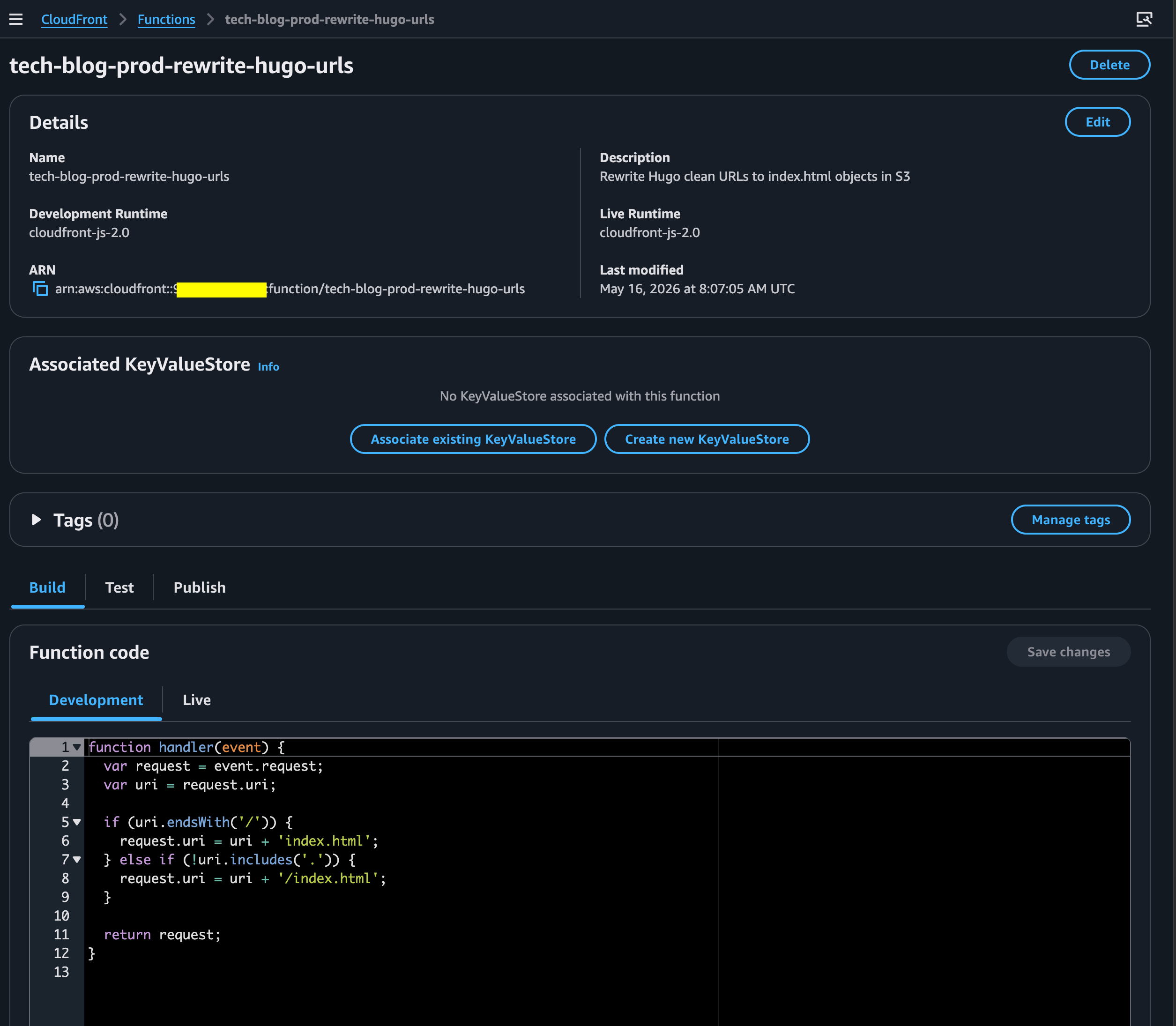
To fix this, I added a CloudFront Function that rewrites clean URLs before the request reaches S3.
function handler(event) {
  var request = event.request;
  var uri = request.uri;

  if (uri.endsWith('/')) {
    request.uri = uri + 'index.html';
  } else if (!uri.includes('.')) {
    request.uri = uri + '/index.html';
  }

  return request;
}
Examples:
/contact/ -> /contact/index.html
/posts/   -> /posts/index.html
/contact  -> /contact/index.html
Static files such as /css/site.css and /favicon.svg are left unchanged.
Deployment Flow
For now, deployment is manual.
The steps are:
cd blog
hugo --environment production
aws s3 sync public/ s3://example-tech-blog-prod/ --delete
aws cloudfront create-invalidation --distribution-id EXXXXXXXXXXXXX --paths "/*"
The hugo command builds the site. The aws s3 sync command uploads the generated files to the S3 bucket. The CloudFront invalidation clears cached files so the latest version is served.
Eventually, I may automate this with GitHub Actions and AWS OIDC. For now, manual deployment is useful because it makes each step visible.
What I Learned
The main thing I learned is that a private S3 bucket behind CloudFront behaves differently from S3 static website hosting.
S3 website hosting can resolve directory-style URLs automatically, but it requires a public website endpoint. A private S3 REST origin is better for this architecture, but clean URLs need to be handled by CloudFront.
That small detail made the CloudFront Function necessary.
Next Steps
The current setup is enough to serve the blog from my custom domain through CloudFront.
Next, I want to add:
- better cache rules for HTML and static assets
- GitHub Actions deployment
- deeper log analysis with Athena
This blog will evolve as I learn and improve the architecture.